Workspaces
Workspaces group related translation projects. They sit above projects and provide a shared place for project listings, workspace-scoped access control, and billing details when the billing module is enabled.
Workspace membership does not grant access to translate or manage projects in the workspace. Project access is still controlled by the project access control settings and project teams, see Control de acceso al proyecto.
The workspace page lists projects in that workspace that you can access.
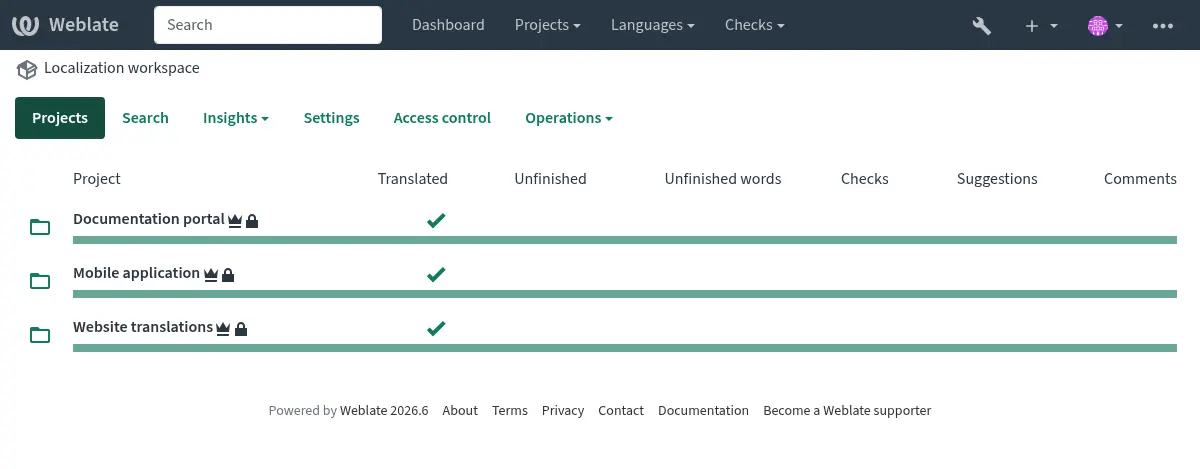
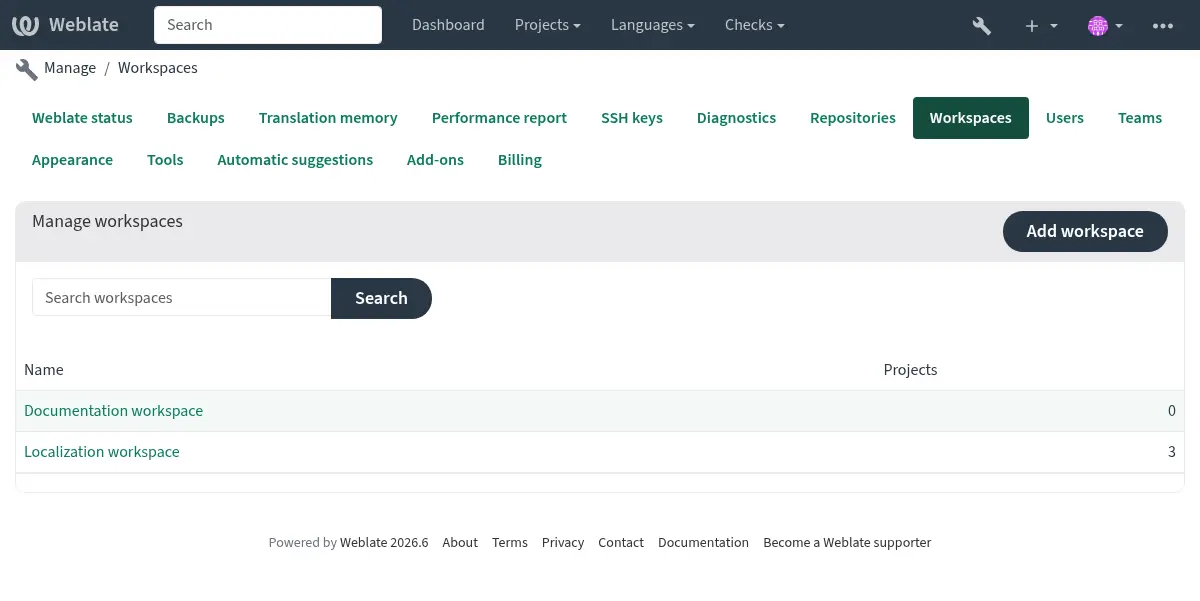
You can list all workspaces in the management interface at Manage ↓ Workspaces.
Project creation and moves
Los proyectos pueden ser creados con o sin un pupitre:
Creating a project in a workspace requires the Add projects to workspace permission for that workspace.
Creating a project without a workspace requires the site-wide Add new projects permission.
When creating a project with the API REST de Weblate, pass the workspace UUID in the
workspace field.
Existing projects can be moved between workspaces from the project
Organize tab or by changing the workspace field with the
API REST de Weblate. Moving a project requires permission to edit the project and the
Edit workspace settings permission for the source and target
workspace. The target workspace also requires the
Add projects to workspace permission. Moving a project out of a
workspace also requires the site-wide Add new projects permission.
Workspace settings
Workspace settings define workspace identity and defaults inherited by projects and components.
Workspace name
Verbose workspace name used in workspace listings and project organization.
Licencia de la traducción
Default translation license for projects and components in this workspace.
Ver también
Acuerdo de licencia del contribuidor
Default contributor license agreement for projects and components in this workspace. Markdown can be used for text formatting or inserting links.
Adición de traducciones nuevas
Default behavior for requests to create new translations in projects and components in this workspace.
Ver también
Estilo de código de idioma
Default language code style for translations created by Weblate in projects and components in this workspace.
Ver también
Idioma secundario
Default secondary language to show together with the source language while translating projects and components in this workspace.
Ver también
Indicadores de traducción
Workspace-level translation flags. These are merged with project, component, and translation flags instead of being inherited as a replacement.
Consolidar, agregar, eliminar, fusionar, agregar y fusionar mensajes de la solicitud
Default commit and merge request message templates for projects and components in this workspace. These templates use the same markup as component message settings.
Settings inheritance
Settings inheritance lets common defaults be configured once and reused in lower scopes:
Workspaces define defaults for projects in the workspace.
Projects define defaults for categories and components in the project.
Categories define defaults for nested categories and components in the category.
Components use the effective value from the nearest inherited scope unless inheritance is disabled for that setting.
This is available for translation license, contributor license agreement, adding new translations, language code style, secondary language, and commit message templates.
Project, category, and component settings expose Inherit from workspace, Inherit from project, or Inherit from category checkboxes for these values. When inheritance is enabled, the inherited value is shown in the settings form; disable inheritance and save to edit the stored override value.
Translation flags are handled differently. Workspace, project, category, component, and translation flags are merged, so each level can add flags without replacing the lower levels.
When a workspace is created, these defaults are copied from the current installation defaults. Later changes to installation defaults do not update existing workspaces.
Workspace-less projects also store their own defaults when created and do not inherit from a workspace unless moved into one and configured to inherit.
When upgrading existing installations, Weblate consolidates matching settings: if all components in a project use the same value, the value is moved to the project and those components inherit it. The same consolidation is then applied from projects to workspaces. Category settings are initialized to inherit from their parent and matching explicit child overrides can be consolidated to the category. Differing values remain configured directly on the lower scope.
Workspace access control
Workspaces have workspace-scoped teams. These teams control workspace-level actions only; they do not grant translation access to the projects in the workspace.
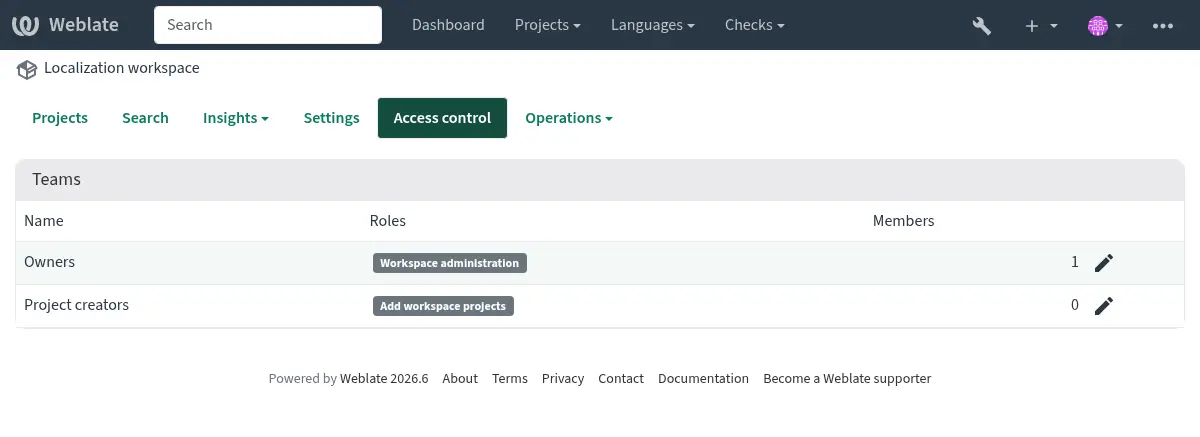
The default workspace teams are:
- Owners
Can edit workspace settings, add projects to the workspace, manage workspace access, and view or pay billing plans assigned to the workspace.
- Creadores del proyecto
Can add projects to the workspace.
Users can still view a workspace page when they can access at least one project in that workspace. This does not grant billing access or permission to add more projects.
Facturación
When Facturación is enabled, a billing plan is assigned to a workspace. Projects in that workspace count against the workspace billing plan.
Users with Edit workspace settings permission can view and pay the billing plan. Billing notification e-mails are sent to these users.
Billing is optional. Workspaces are still available when the billing module is not installed.
Upgrading from billing owners
Older Weblate versions stored billing owners directly on billing plans. These users are migrated to the workspace Owners team for the workspace covered by the billing plan.