從 Weblate 獲得支援
Weblate is copylefted libre software with community support. Hosting subscribers receive priority support at no extra charge. Prepaid help packages are available for everyone, including self-hosting users. Find info about current support offerings at https://weblate.org/support.
整合支援
購買的支援包可以可選地整合在您的 Weblate的 subscription management 介面中,您可以在那裡找到它的連結。關於您的安裝的基本事例的細節,也會以這種方式回饋給 Weblate。
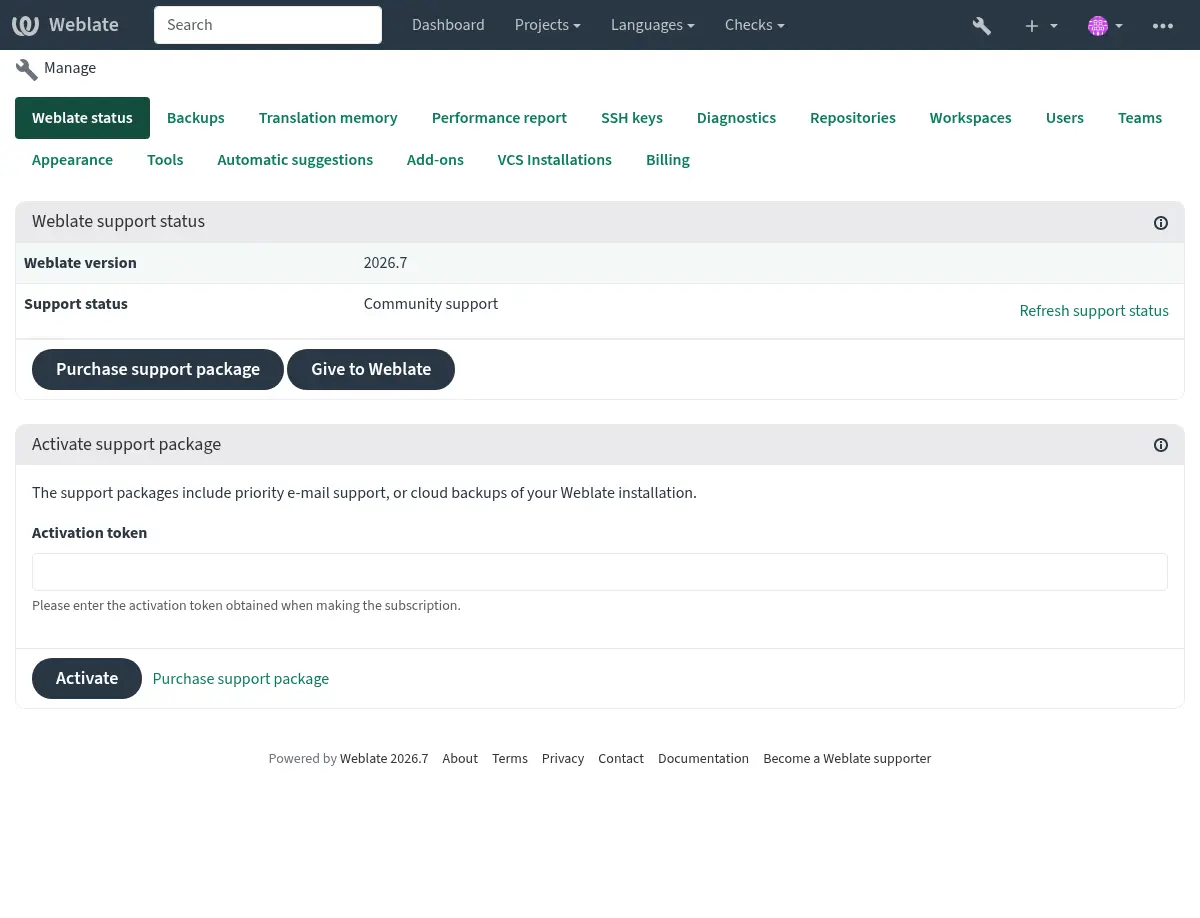
提交給 Weblate 的資訊
您的 Weblate 實例 URL
Its site title
您正在執行的版本
Tallies of projects, components, languages, source strings, and users
您事件的 SSH 公鑰
Additionally, if you turn on 探索 Weblate:
List of public and protected projects (name, URL, and website).
提示
Check what Discover shows publicly in the 探索 Weblate description.
沒有提交其它資料。
整合服務
查看您的支援包是否合法
提示
Purchased support packages are already activated upon purchase and can be used without integrating them.
聯絡客服
提示
If you do not have a support package yet, please refer to the 在 Weblate 中匯報問題 section for available community resources.
Subscribers can reach Weblate Care directly through the following channels:
Email support at care@weblate.org.
The support form is available in the Weblate management interface after 整合支援.
A subscription ensures timely and reliable help with setup, maintenance, and troubleshooting.
備註
Sending encrypted content
If you want to send an encrypted content, please use the public key for
care@weblate.org with ID 0961 62CE 141D 7FE4 B15D A9FA 73D9 298A CB26
03F0.
This public key is available on the most commonly used key servers, using WKD or directly from weblate.org.
探索 Weblate
在 4.5.2 版被加入.
Discover is an opt-in service making it easier for translators to find other Weblate instances and communities. Users can browse registered sites and find projects to contribute to on https://weblate.org/discover/.
列入
在 2026.7.1 版的變更: Discover Weblate registration can be started directly from the management interface without manually copying the activation token.
備註
Make sure you are OK with publishing your instance name, URL, tally of projects, components, and users, together with names of public and protected projects for use on Discover.
Use the Discover Weblate panel in the management interface to manage the listing. If you have an activated support package, list your server by clicking Enable discovery. If the instance is not connected to weblate.org yet, start the registration by clicking Enable Discover Weblate:
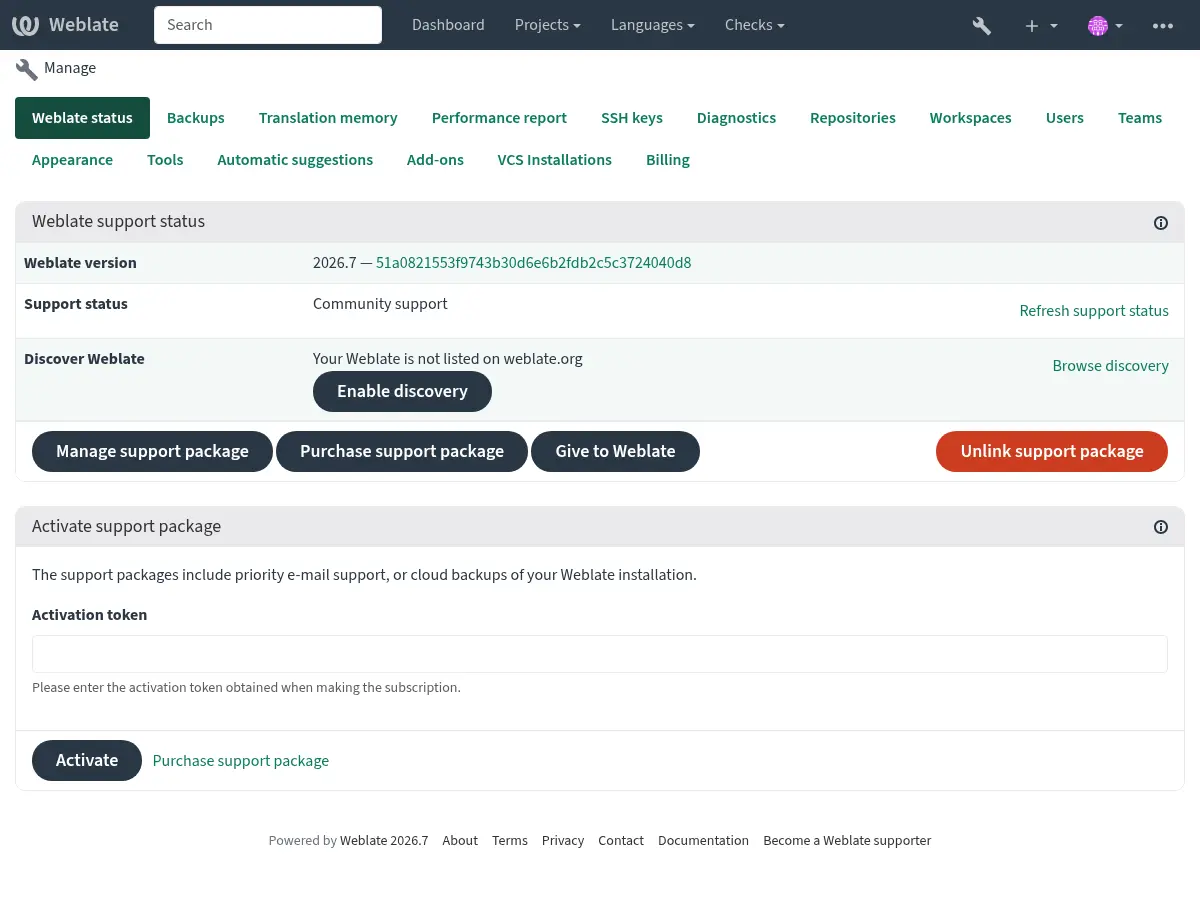
This opens the registration form on weblate.org and returns to your Weblate management interface to complete activation with discovery already enabled. The registration flow can be used from an account that has a support subscription, but it registers the Discover Weblate listing; activating a purchased support package is handled by 整合支援. Unlinking the support package disables the Discover Weblate listing.
All steps for listing a server manually, for example from older Weblate versions:
在 https://weblate.org/user/ 進行註冊
Register your Weblate site at https://weblate.org/subscription/discovery/
Copy the activation token into your Weblate management interface.
Confirm you want your Weblate listed by clicking Enable discovery from the Discover Weblate panel:
清單自訂
You are encouraged to provide an image (570 x 260 pixels) and description of your Weblate site at https://weblate.org/user/. This improves your instance’s visibility in the list.