Annunci
Cambiato nella versione 4.0: In prior releases this feature was called whiteboard messages.
Provide info to your translators by posting announcements, site-wide, per project, category, component, or language.
Announce the purpose, deadlines, status, or specify targets for translation.
The users will receive notification on the announcements for watched projects (unless they opt out).
This can be useful for various things from announcing the purpose of the website to specifying targets for translations.
The announcements can posted on each level in the Operations menu, using Post announcement:
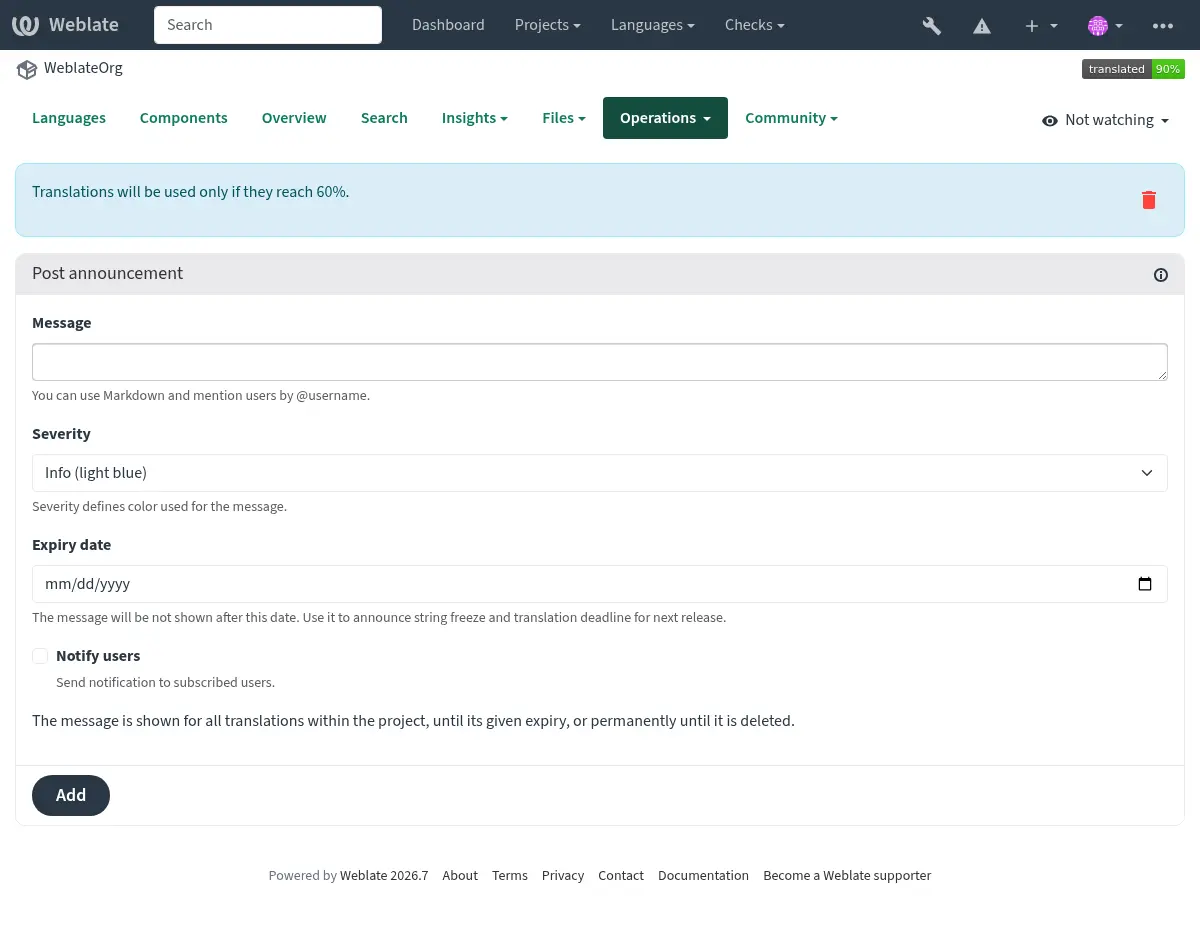
The announcements are shown based on their specified context:
No context specified
Shown on dashboard (landing page).
Project specified
Shown within the project, including all its components and translations.
Project and language specified
Shown within the project for the specified language, including all its translations.
Category specified
Shown within the category, including all its components and translations.
Category and language specified
Shown on the category-language page and for translations in that language within the category and its subcategories. Post these announcements from the category-language page using Operations > Post announcement. This also applies to shared components linked into the category. Posting and deleting these announcements requires permission for the category’s project and language. Announcements from linked categories are only shown to users who can access the category’s project.
Component specified
Shown for a given component and all its translations.
Language specified
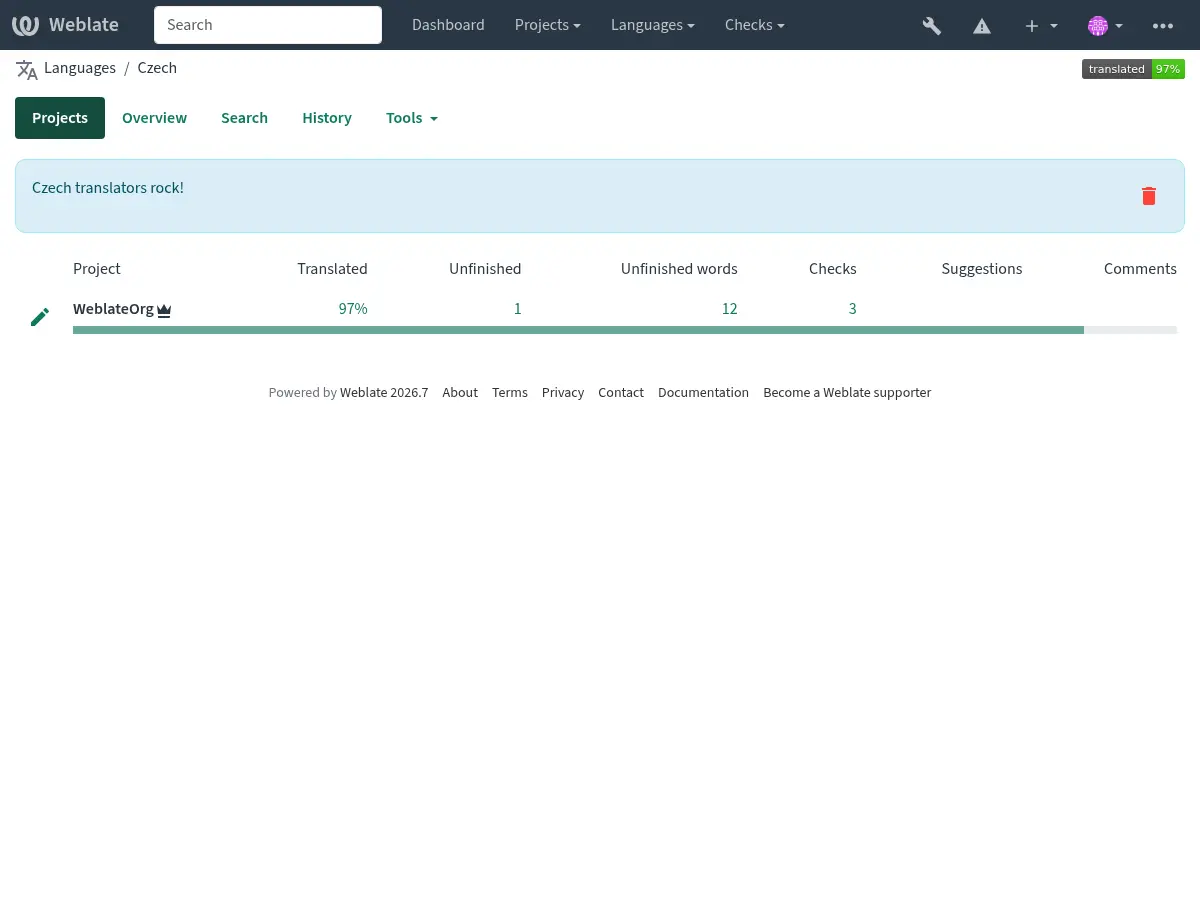
Shown on the language overview and all translations in that language.
This is how it looks on the language overview page: