Getting support for Weblate
Weblate is copylefted libre software with community support. Hosting subscribers receive priority support at no extra charge. Prepaid help packages are available for everyone, including self-hosting users. Find info about current support offerings at https://weblate.org/support.
Integrating support
Purchased support packages can optionally be integrated into your Weblate subscription management interface, from where you will find a link to it. Basic instance details about your installation are also reported back to Weblate this way.
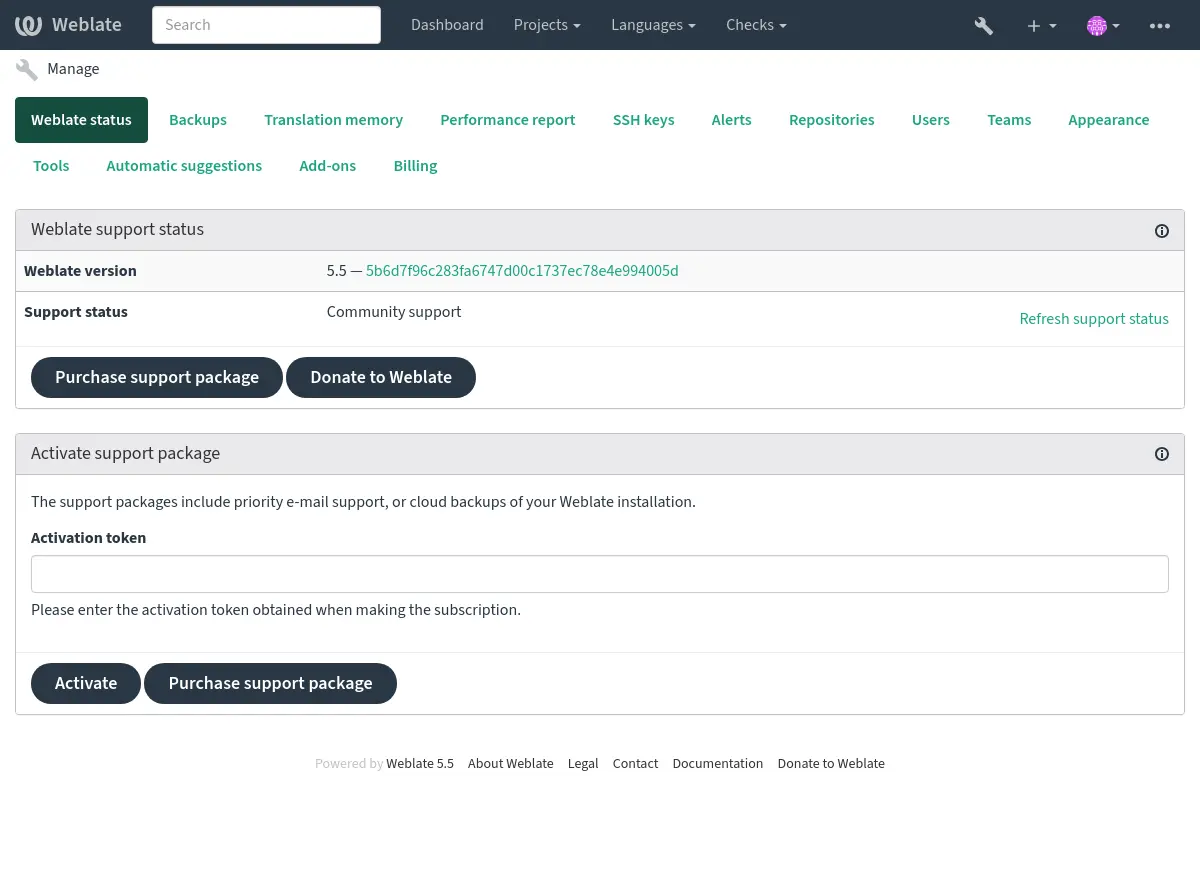
Info sent to the Weblate
Your Weblate instance URL
Its site title
The version you are running
Tallies of projects, components, languages, source strings, and users
The public SSH key of your instance
Additionally, if you turn on Discover Weblate:
List of public and protected projects (name, URL, and website).
Hint
Check what Discover shows publicly in the Discover Weblate description.
No other data is submitted.
Integration services
See if your support package is still valid
Hint
Purchased support packages are already activated upon purchase and can be used without integrating them.
Contacting customer care
Hint
If you do not have a support package yet, please refer to the Reporting issues in Weblate section for available community resources.
Subscribers can reach Weblate Care directly through the following channels:
Email support at care@weblate.org.
The support form is available in the Weblate management interface after Integrating support.
A subscription ensures timely and reliable help with setup, maintenance, and troubleshooting.
Note
Sending encrypted content
If you want to send an encrypted content, please use the public key for
care@weblate.org with ID 0961 62CE 141D 7FE4 B15D A9FA 73D9 298A CB26
03F0.
This public key is available on the most commonly used key servers, using WKD or directly from weblate.org.
Discover Weblate
Added in version 4.5.2.
Discover is an opt-in service making it easier for translators to find other Weblate instances and communities. Users can browse registered sites and find projects to contribute to on https://weblate.org/discover/.
Getting listed
Changed in version 2026.7.1: Discover Weblate registration can be started directly from the management interface without manually copying the activation token.
Note
Make sure you are OK with publishing your instance name, URL, tally of projects, components, and users, together with names of public and protected projects for use on Discover.
Use the Discover Weblate panel in the management interface to manage the listing. If you have an activated support package, list your server by clicking Enable discovery. If the instance is not connected to weblate.org yet, start the registration by clicking Enable Discover Weblate:
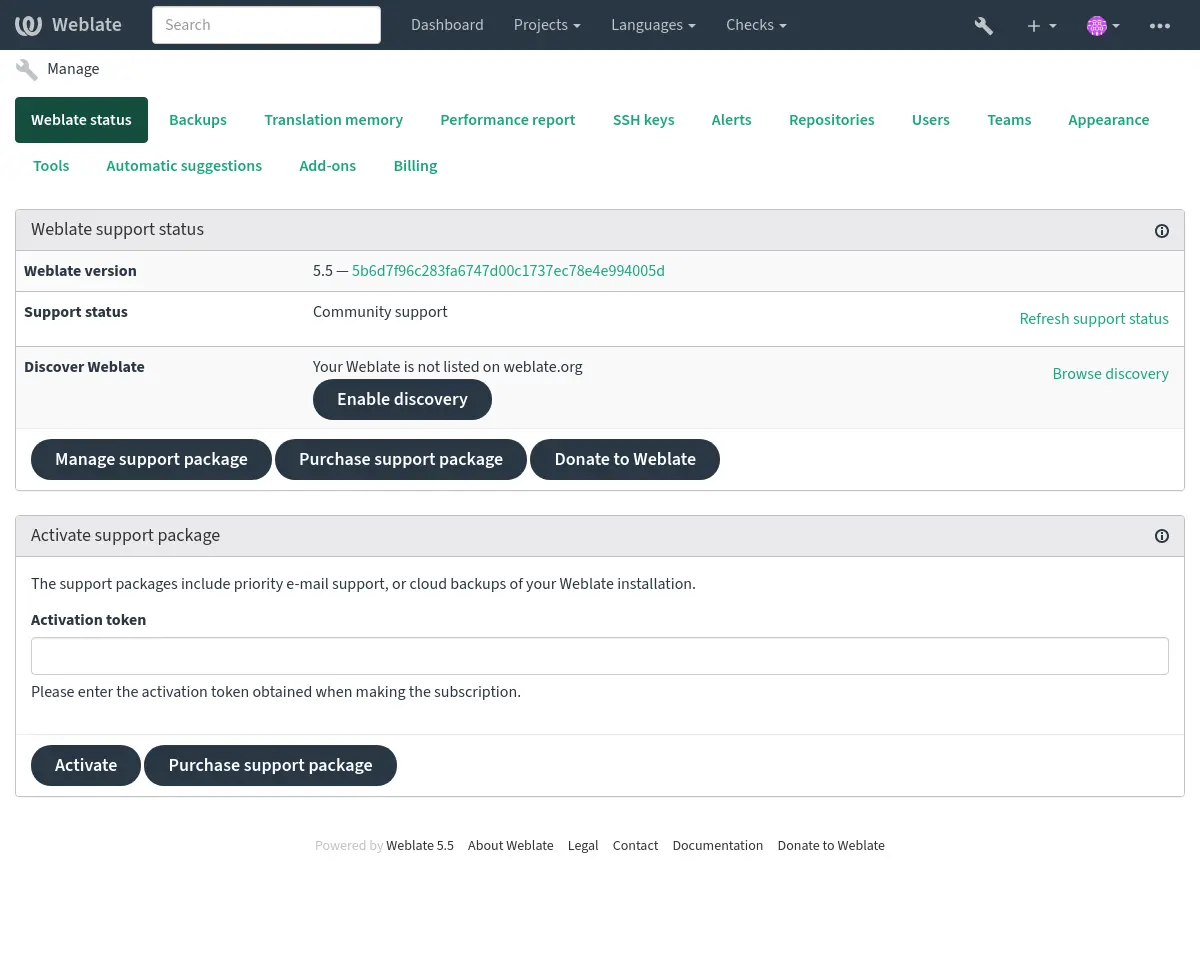
This opens the registration form on weblate.org and returns to your Weblate management interface to complete activation with discovery already enabled. The registration flow can be used from an account that has a support subscription, but it registers the Discover Weblate listing; activating a purchased support package is handled by Integrating support. Unlinking the support package disables the Discover Weblate listing.
All steps for listing a server manually, for example from older Weblate versions:
Register yourself at https://weblate.org/user/
Register your Weblate site at https://weblate.org/subscription/discovery/
Copy the activation token into your Weblate management interface.
Confirm you want your Weblate listed by clicking Enable discovery from the Discover Weblate panel:
Listing customization
You are encouraged to provide an image (570 x 260 pixels) and description of your Weblate site at https://weblate.org/user/. This improves your instance’s visibility in the list.