术语表
每个项目都可以包含一个或多个术语表,用于存储术语和它们偏好的译文。术语表通过在翻译编辑器中显示匹配的术语帮助保持译文一致性。
Glossaries are regular translation components with special behavior. The source language stores the terms Weblate searches for in source strings. Each glossary translation stores the preferred term, forbidden term, or untranslatable entry for one target language.
Terms from the glossary containing words from the currently translated source string are displayed in the sidebar of the translation editor.
提示
除非启用,否则不会在质量检查中使用术语表术语,请参阅 不遵循术语表 了解更多信息。
术语表匹配如何工作
When you translate a regular component, Weblate searches the source string for terms from the source language of the project glossaries. When a term matches, Weblate looks up the corresponding glossary entry for the language currently being translated and shows it in the editor.
This means glossary entries need to exist in the target glossary language to be shown while translating that target language. A source-language-only glossary can still store definitions and context, but it will not provide target-language matches for languages that do not have glossary entries.
If you want a term to be present in every glossary language, mark the source entry as 专业术语. If the term should stay unchanged in every language, use 不可翻译的术语; combine it with terminology only when you want Weblate to create and maintain entries for all glossary languages.
管理术语表
在 4.5 版本发生变更: 术语表现在是常规的翻译部件,您可以在其中使用所有 Weblate 功能——评论、存储在远程仓库中或添加解释。
使用任何部件作为术语表,方法是开启 用作术语表。你可以为一个项目创建多个术语表。
给定项目的空术语表会随项目自动创建。术语表在同一个项目的所有部件之间共享,并且可以选择使用来自相应术语表部件的 在项目中分享 与其他项目共享。
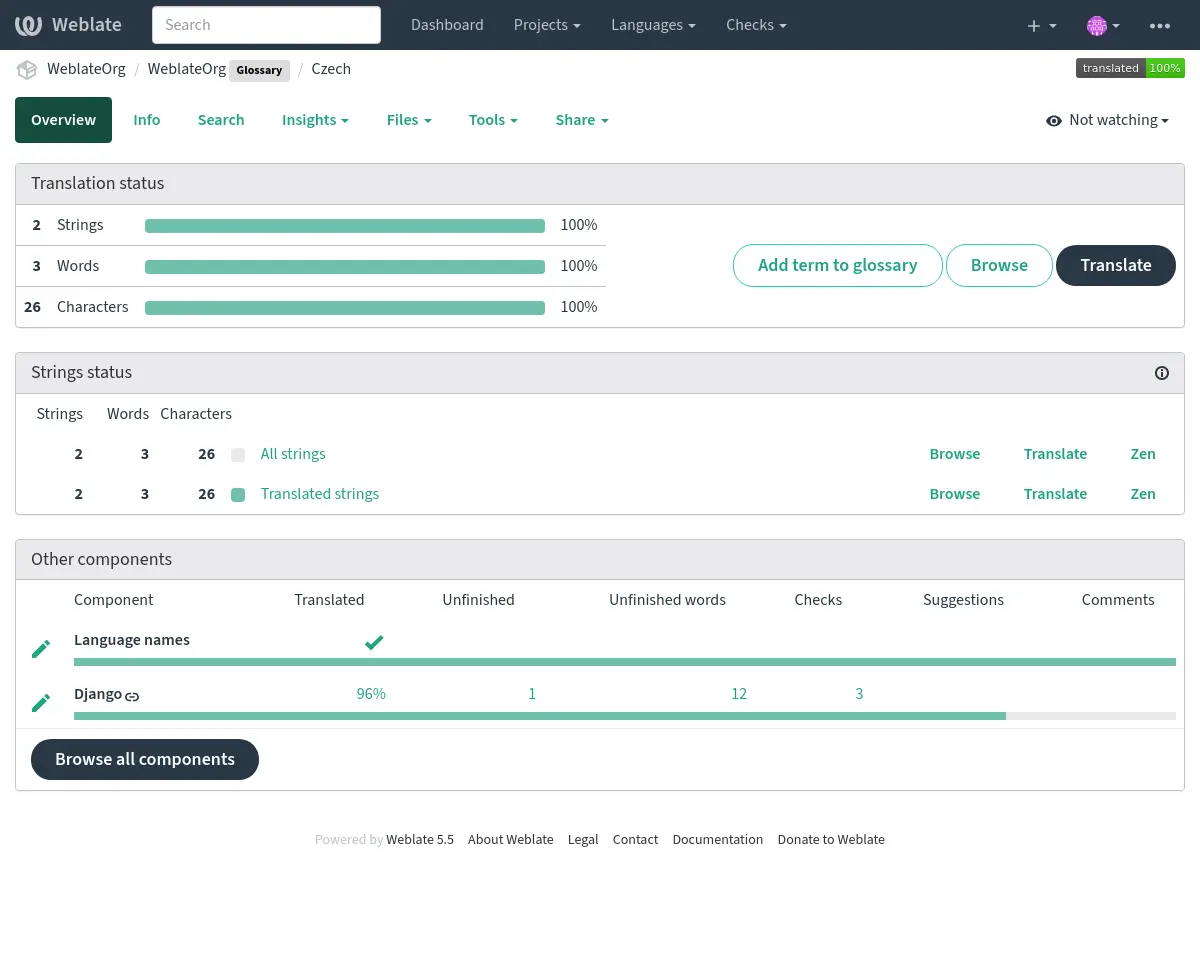
术语表部件看起来与 Weblate 中的其他部件一样,只是多了个彩色标签:
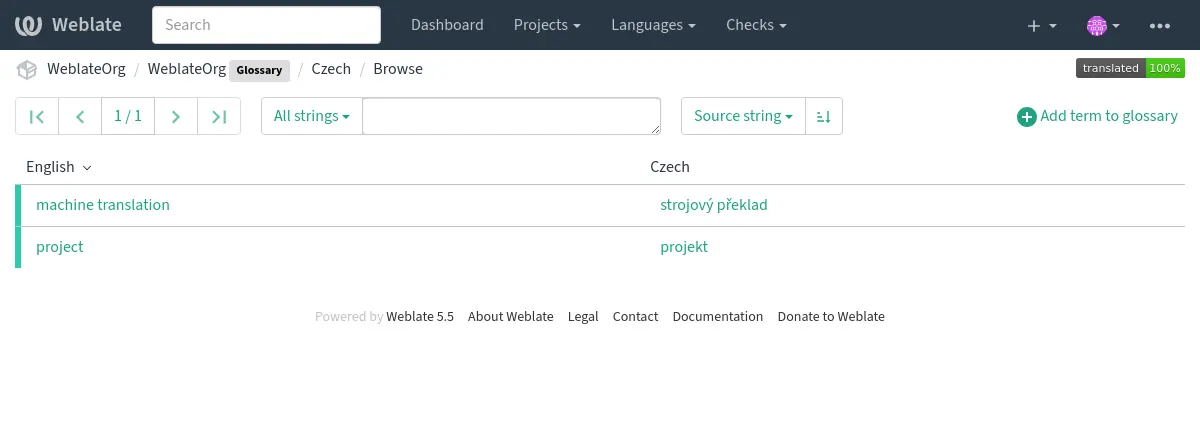
你可以浏览所有术语表术语:
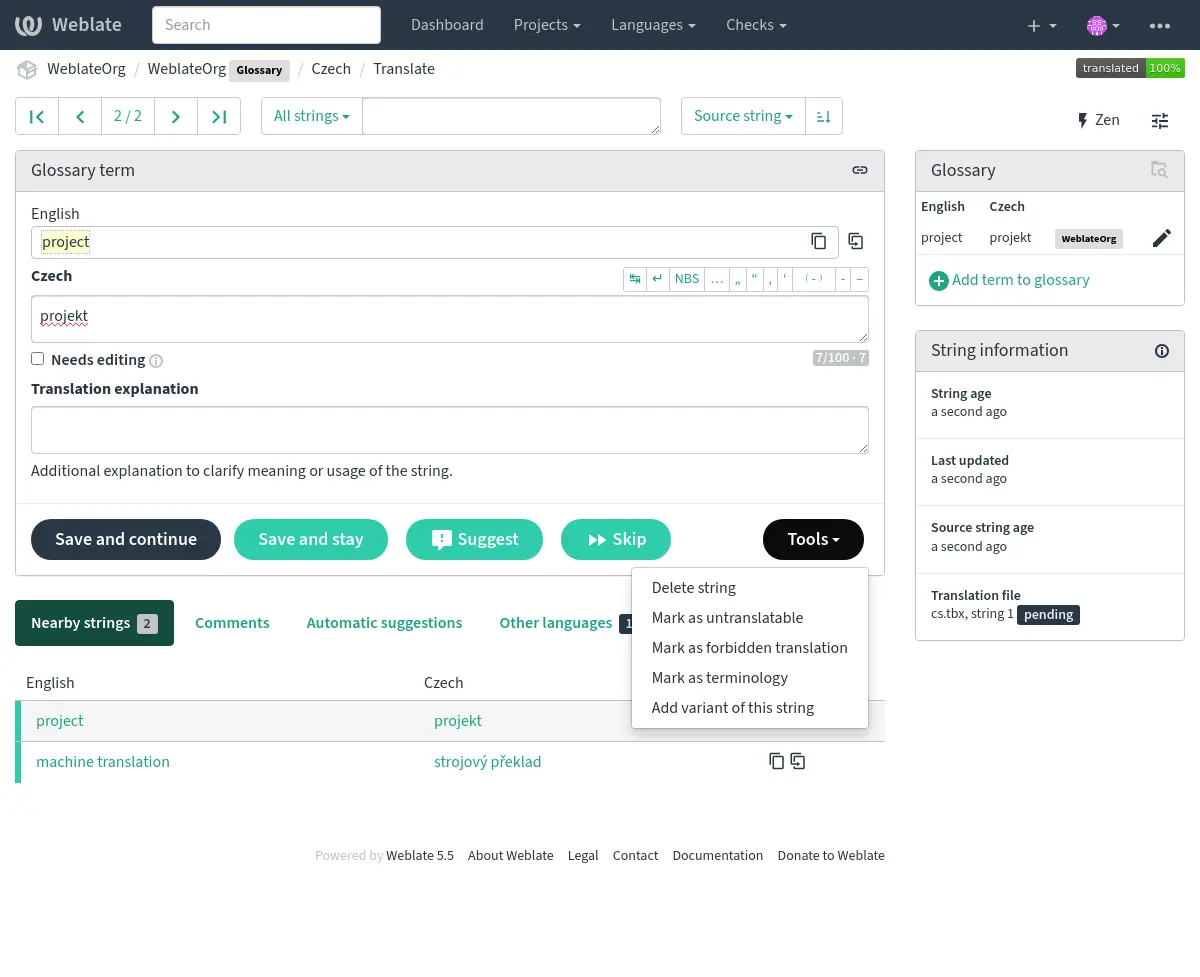
或将它们当作任意翻译进行编辑。
术语表术语
术语表的翻译方式与普通字符串的翻译方式相同。你可以使用每个术语的 工具 菜单为每个术语切换附加功能。
参见
类型 |
Purpose |
|---|---|
常规的术语表术语 |
Preferred translation or explanation for a term in one or more languages. |
Source term Weblate keeps present in every glossary language so missing translations can be tracked and filled. |
|
Term that should stay unchanged or should not be translated. |
|
不应用于源术语的译文。 |
|
Alternative wording, abbreviation, or shorter form grouped with another glossary term. |
选择术语表术语
Choose glossary terms for meaning and audience, not only for literal word shape. If a source term is ambiguous, add an explanation so translators know which meaning applies in the project.
Glossary entries are especially useful for brand names, acronyms, product features, technical terms, and newly coined or transliterated words. Use variants for abbreviations or shorter wording, mark important cross-language terms as 专业术语, mark terms that should stay unchanged as 不可翻译的术语, and mark misleading translations as 禁止的译文.
不可翻译的术语
Added in version 4.5.
通过批量编辑、输入标记或使用 工具 ↓ 标记为不可翻译 来标记某些术语的译文为 read-only 意味着它们不能被翻译。对于品牌名、产品名、域名、技术名、或其他不应该在其他语言中被改变的术语,可以使用这个方法。这样的术语会在术语表侧边栏中直观地突出显示。
The read-only flag is enough when the glossary entry already exists in the
languages where it should be shown. Add the 专业术语 flag as
well only when Weblate should create and maintain the untranslatable entry in
every glossary language.
参见
禁止的译文
Added in version 4.5.
通过批量编辑、输入标记或使用 工具 ↓ 标记为禁止的译文 来将某些术语表术语译文标记为 forbidden 意味着它们 不能 被使用。当某些单词模棱两可或可能具有意想不到的含义时,使用它来澄清译文。
Use forbidden entries for translations that should be avoided. Use regular glossary entries for preferred translations.
参见
专业术语
Added in version 4.5.
通过批量编辑、键入标志或使用 工具 ↓ 标记为专业术语 来将某些源语言术语表术语标记为 terminology 以将条目添加到所有语言的术语表中。将此用于应该经过深思熟虑的重要术语,并在所有语言中保持一致的含义。
术语标记是持续的状态,非一次性动作。当标记保留在源术语上时,Weblate 将其视为专业术语并在每个术语表语言中为它保留一个条目。如果删除了一个语言条目,那么下次术语表同步会再创建它。
删除 terminology 标记停止自动维护,但不删除或撤销已创建的条目。它们仍为常规术语表条目。
A regular glossary term can also have translations in every language. The difference is that Weblate does not recreate missing language entries for a regular term after they are removed.
参见
变体
变体是将字符串组合在一起的通用方法。翻译时,所有术语变体都会列在术语表侧边栏中。
提示
您可以使用它为术语添加缩写词或更短的表达方式。
参见
术语表导入
和常规的翻译部件类似,你可以将现有的术语表上传到 Weblate。CSV 文件 或 TermBase eXchange 格式 等格式受支持,可以被上传,见 上传译文。
TBX files can include explanations, read-only metadata, and glossary flags; see TermBase eXchange 格式 for the exact metadata mapping.
Even though TBX can contain multiple languages, Weblate still maps component files to languages using the component file mask and language settings. For a TBX glossary component, keep the component source language as the source term language and name translation files for the target language they represent. Avoid naming a translation file with the same language as the component source language, because the source language already exists in Weblate and this can lead to duplicate language detection.
语言文件和同步
Glossary components follow the languages used by the regular components in the same project. When a language is added to a regular component, Weblate adds the missing glossary language as well so glossary matches can be shown for that language.
This automatic language synchronization is intentional. Filtering glossary language files with 语言筛选 can reduce the number of managed files, but it also means Weblate has no glossary entries to show for filtered-out target languages.
Terminology entries are also synchronized. When a source glossary term is marked as terminology, Weblate creates missing entries in all glossary languages and recreates them if they are removed while the flag is still set.
Weblate can clean up stale glossary translations only for Weblate-managed glossaries, only when no regular component in the project still uses that language, and only when the stale glossary translation has no translated terms. If the stale glossary language still contains terms, Weblate keeps it and reports it as an unused glossary language.
常见设置模式
- English-only explanatory glossary
Add source-language glossary terms with explanations. This works as a maintained term list, but it will not show target-language glossary matches unless you also create entries in the target glossary languages.
- 必需的术语
Add terms in the source glossary language, mark them as 专业术语, and let translators fill the created entries in each target language. Use explanations to document the intended meaning.
- 不可翻译的术语
Mark terms as 不可翻译的术语 when they should stay unchanged. Add 专业术语 only when the term should be present in every glossary language for matching and review.
- 禁止的译文
Add the misleading translation as a 禁止的译文 entry. Add the preferred wording as a separate regular glossary entry when translators should use a specific translation instead.
自动建议中的术语
Added in version 5.3.
一些自动建议服务在翻译时使用术语表,具体支持情况请查看 自动建议 中相关内容。
在被导出到服务前,会先处理术语表:
Duplicate source entries are skipped for services that require unique source terms. LLM-based services can receive duplicates with explanations to disambiguate them.
任何控制字符串以及开头和尾部空白符号都将被去掉。
禁止的译文 被跳过。
备注
许多服务在服务器端存储术语表并强制限制保存的术语表数。如果空间不足,那么 Weblate 总是删除最老的术语表。